Wait for a variant or the whole product
Choose whether shoppers wait for the exact size or color they picked, or for any variant of the product.
Before you start
- The Notify me block is on your product page.
- 1
Open the block’s settings
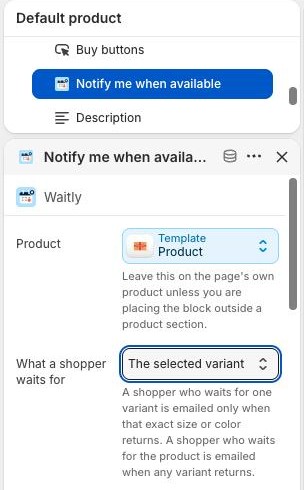
In your Shopify admin, go to Online Store › Themes and select Customize. Choose Products › Default product from the menu at the top, then select Notify me when available in the block list.
- 2
Choose what a shopper waits for
Set What a shopper waits for to one of two options:
The selected variant (the default): the shopper waits for the exact variant they picked. They’re emailed only when that size or color comes back. Choose this when the difference matters, like shoe sizes.
The whole product: the shopper waits for the product. They’re emailed when any variant comes back. Choose this when any variant will do, like a color they don’t mind.
Shopify admin · Waitly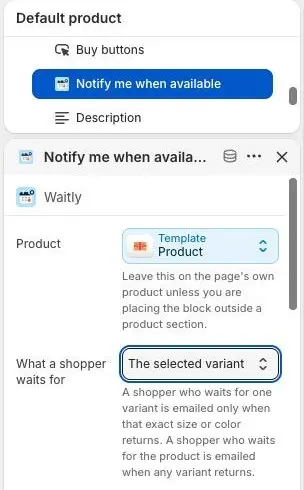
- 1The Notify me block, selected
- 2What a shopper waits for
- 3
Save the theme
Select Save. The form looks the same either way, and it still only appears when the variant a shopper has chosen is sold out.
The setting applies to new signups. Shoppers already waiting keep what they signed up for.
- 4
See which kind each waitlist is
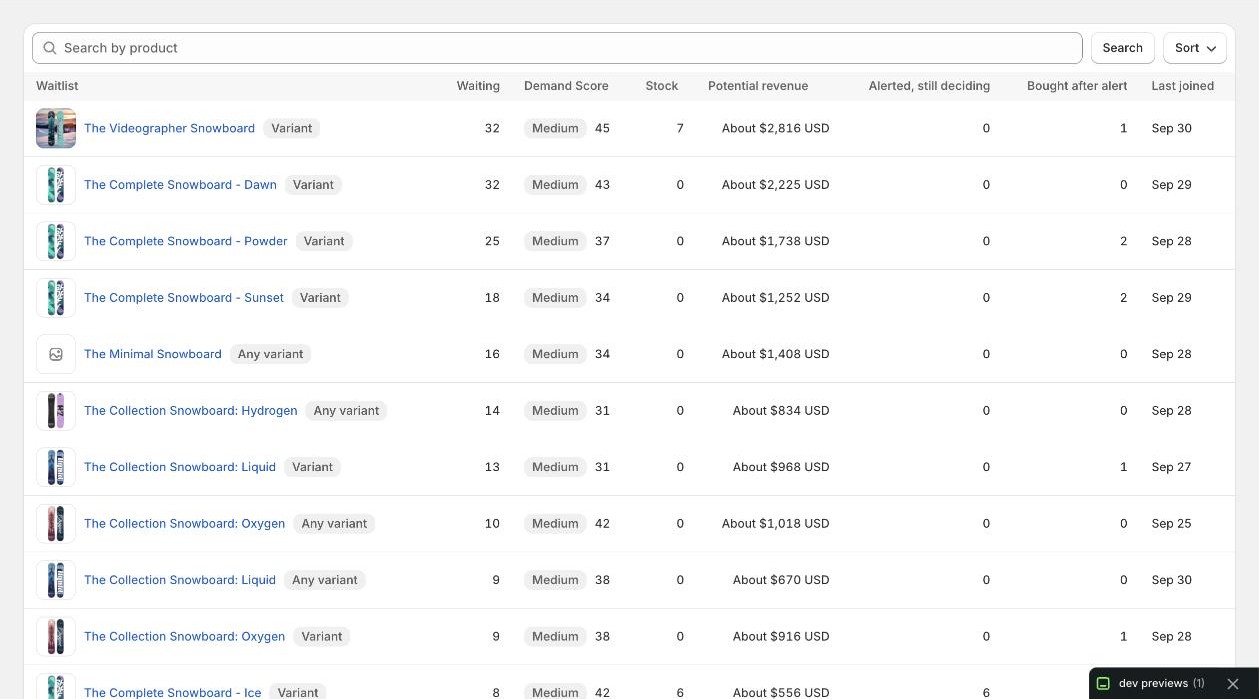
In Waitly, open Waitlists. A Variant badge means shoppers on that list are waiting for one variant. Any variant means they’re waiting for the whole product.
Shopify admin · Waitly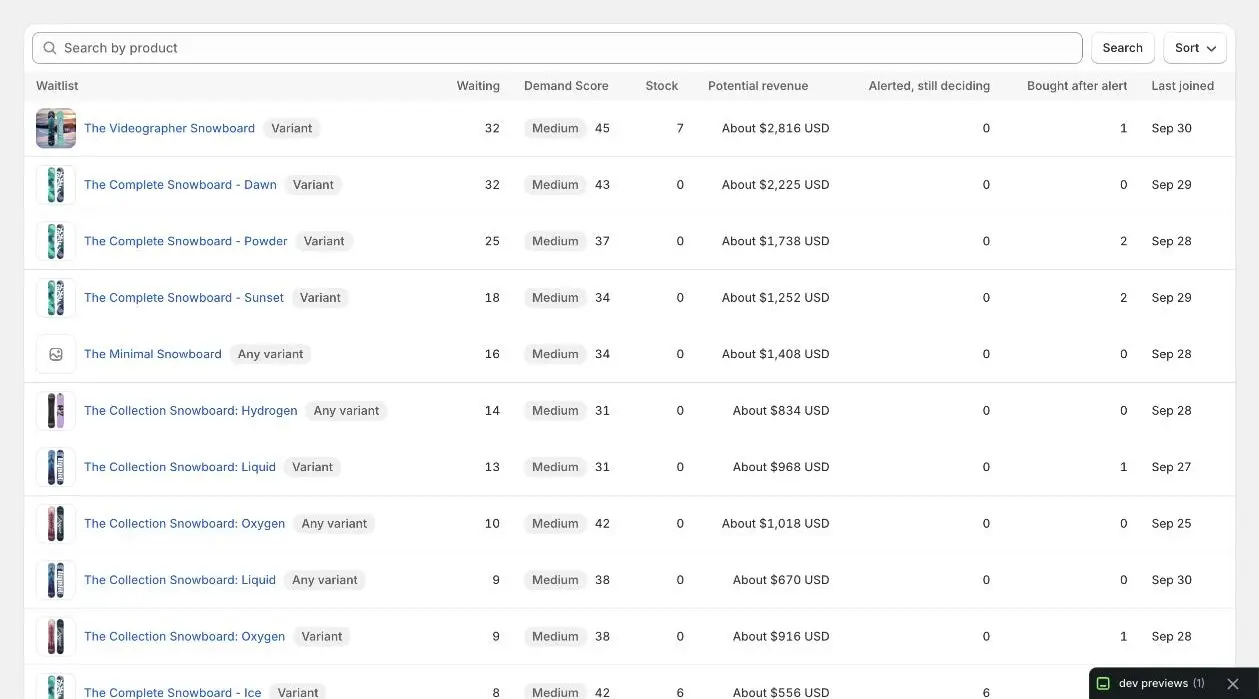
- 1Waiting for one variant
- 2Waiting for any variant
Questions
- With “The whole product”, does an in-stock variant trigger an alert?
- No. An alert goes out when a variant comes back, meaning it goes from sold out to in stock. A variant that was already in stock doesn’t count. If every variant is already in stock when the shopper signs up, there’s nothing to wait for and the signup ends as Expired.
- Can a shopper wait for a variant and the whole product at once?
- Yes, if they signed up once each way, for example before and after you changed this setting. They’re two separate waitlists, and each one sends its own alert.
- Does a variant waitlist hear about a different variant coming back?
- No. A shopper waiting for one variant is only emailed about that variant.
Read next
- How restock alerts are sentUnderstand when Waitly sends a restock alert, who gets it, how long an alert holds a shopper, and when an alert is held back.
- Change the Notify me block’s words and styleEdit the Notify me block’s text, button colors and corners in the theme editor, and on Growth its background, border and button style.
- Browse every waitlistSearch and sort all your waitlists on one page, and see which products shoppers want most.